Desk booking software for next-generation desk sharing
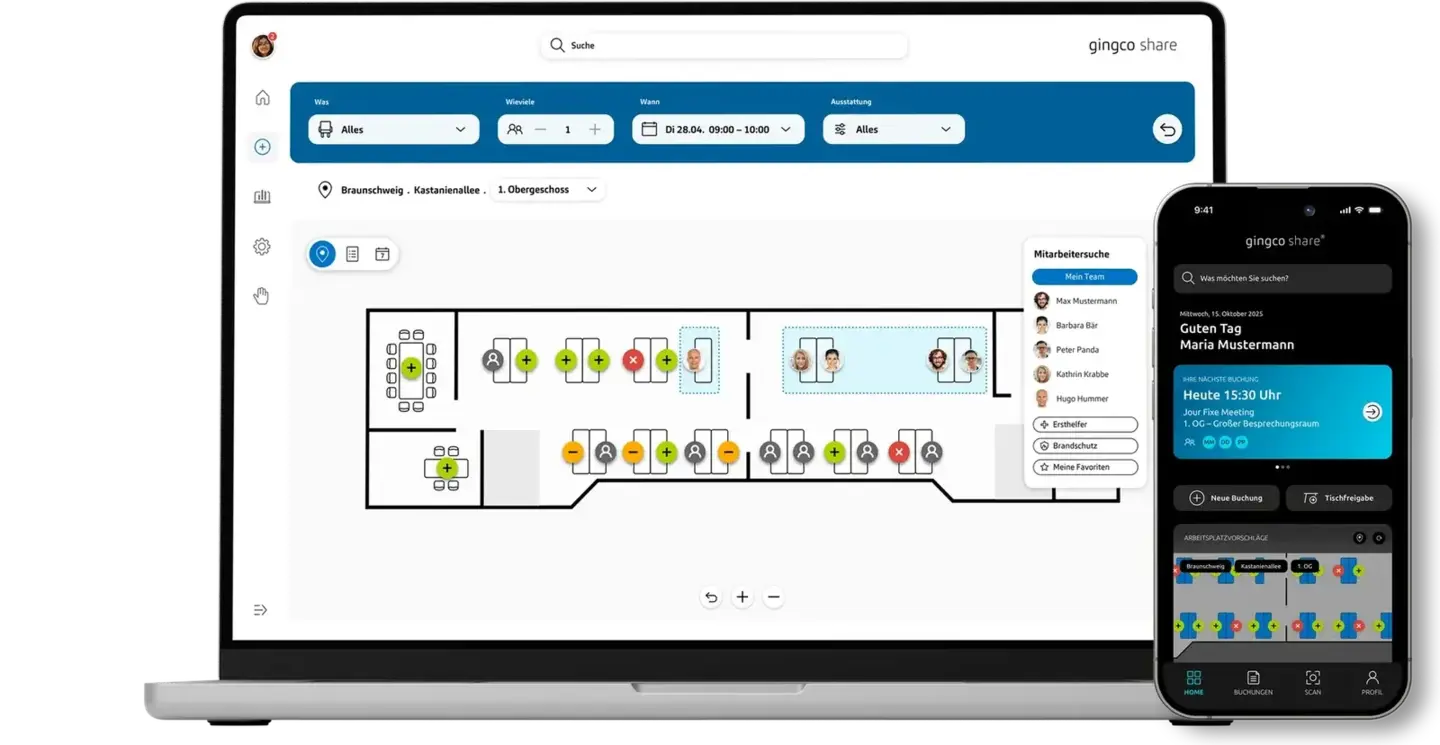
With Gingco Share, you track desk occupancy in real time. This helps you make better use of your office capacity and increases employee satisfaction. Make desks available based on employees' roles or needs, and manage desks across all your locations according to clear rules.
Desk booking across locations and sites
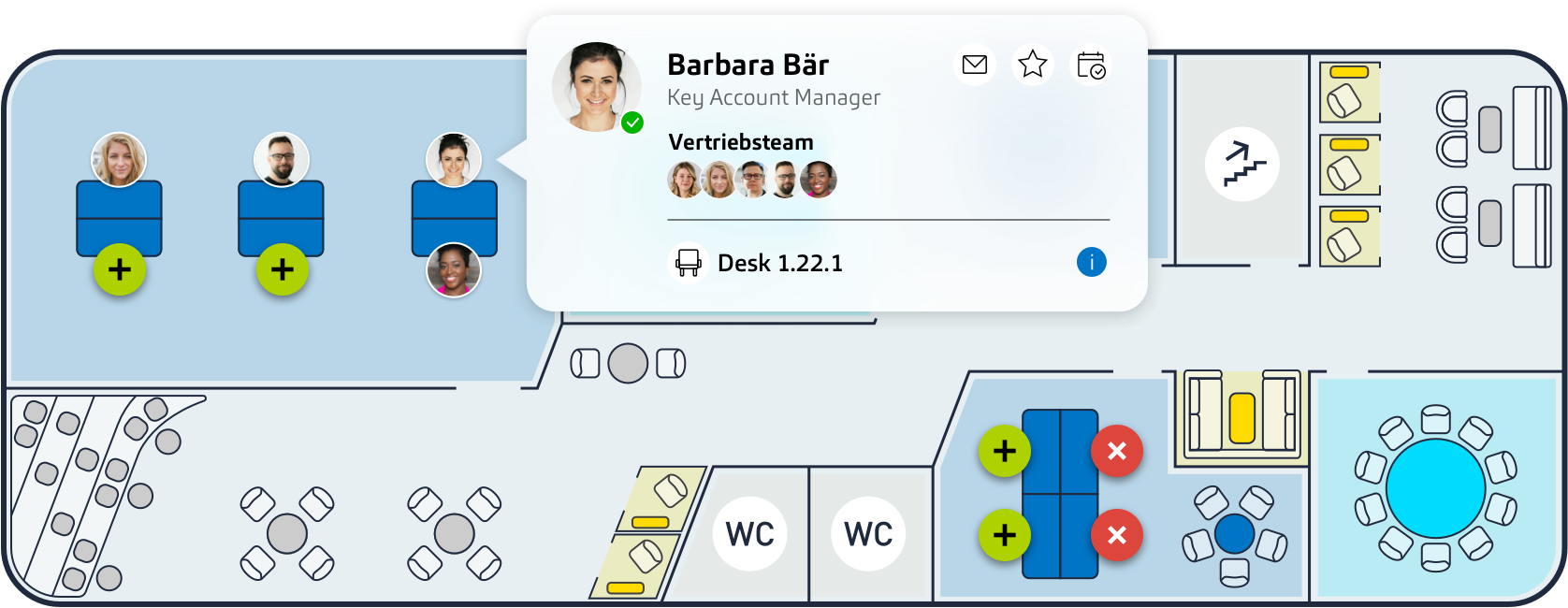
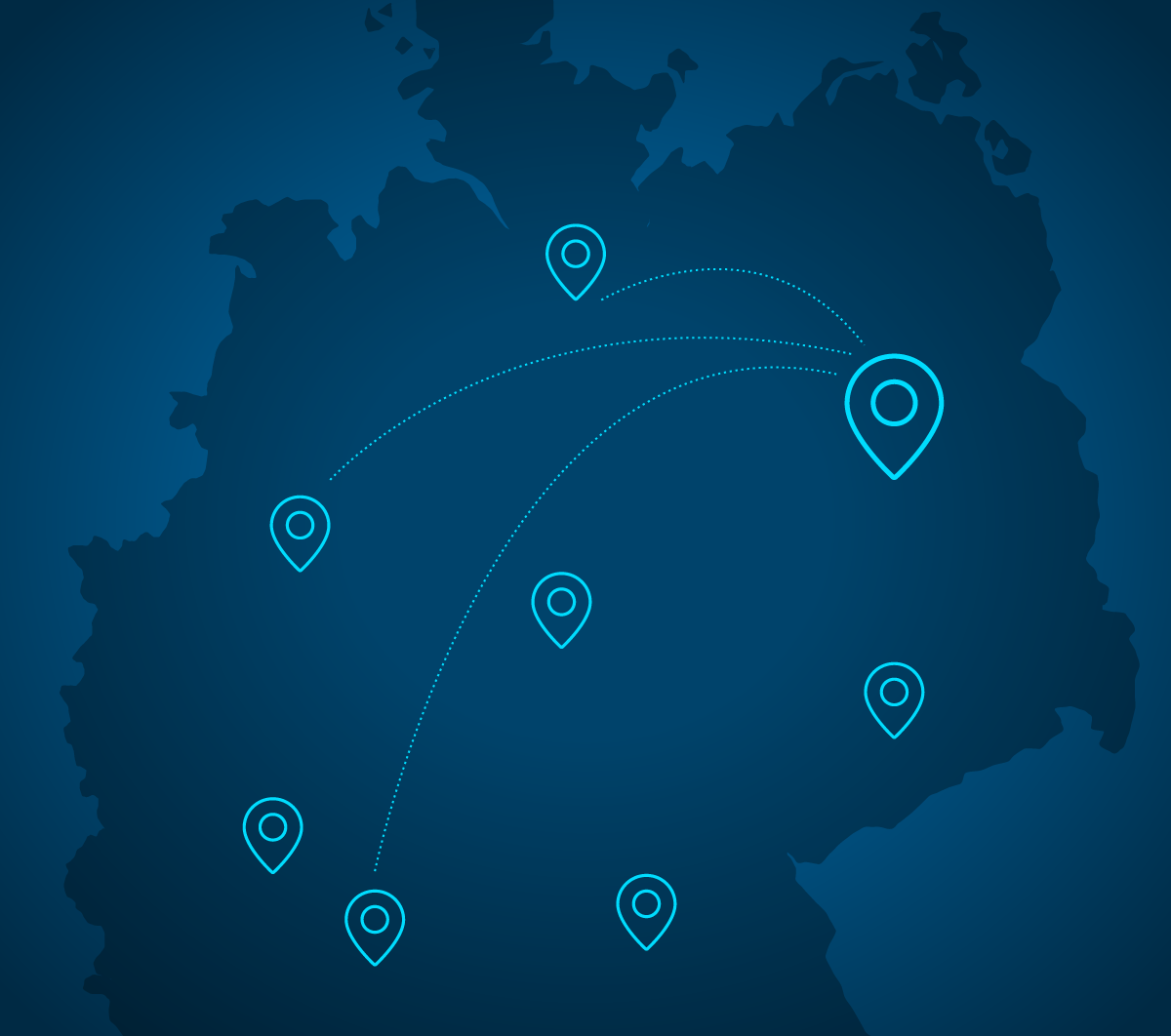
Define at which locations your employees can book desks and enable collaboration across sites. Whether on a regular basis or during a business trip, employees can view buildings and floor plans, book suitable desks and see which relevant colleagues are on site.
Home zones: team areas for better collaboration
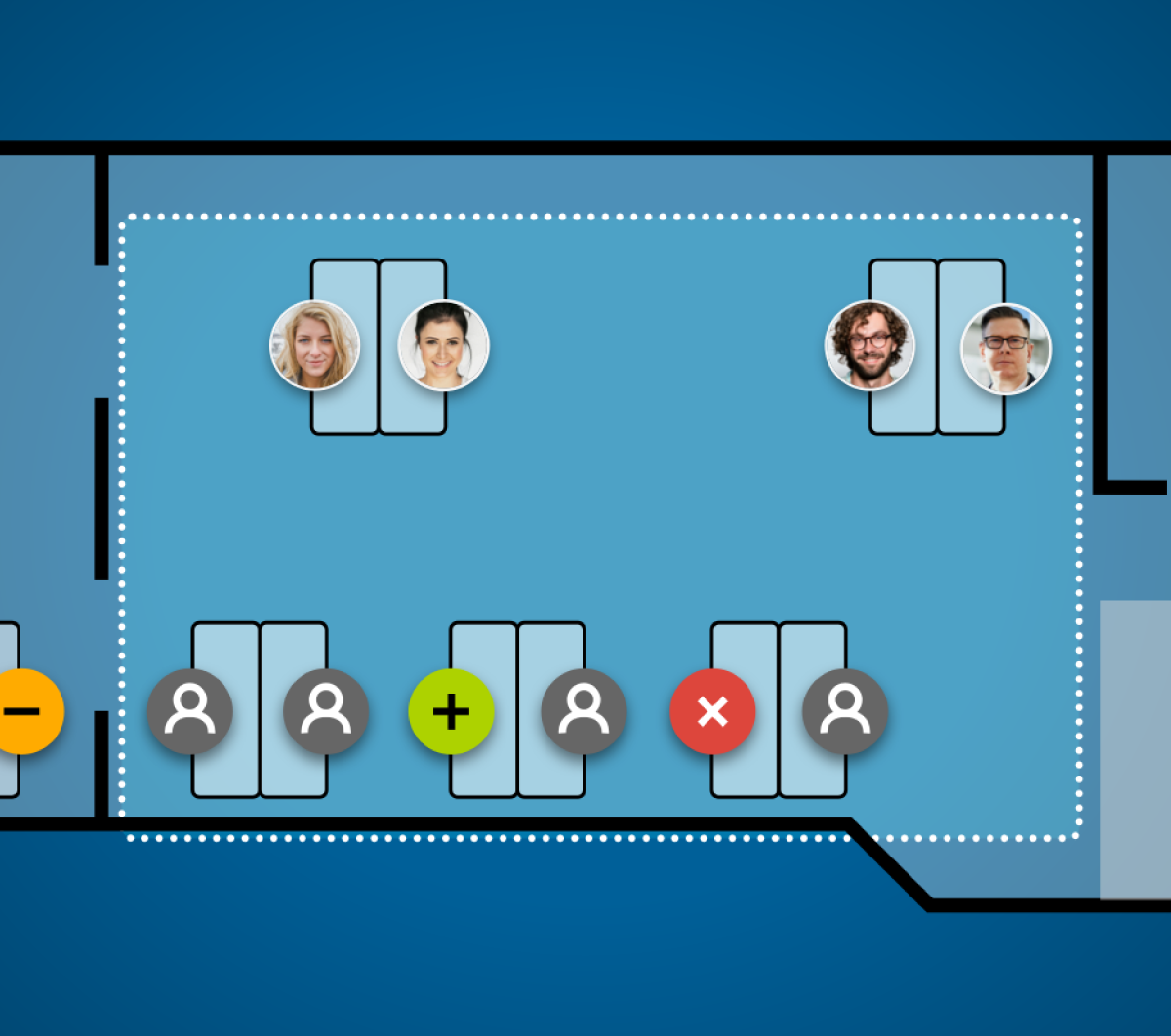
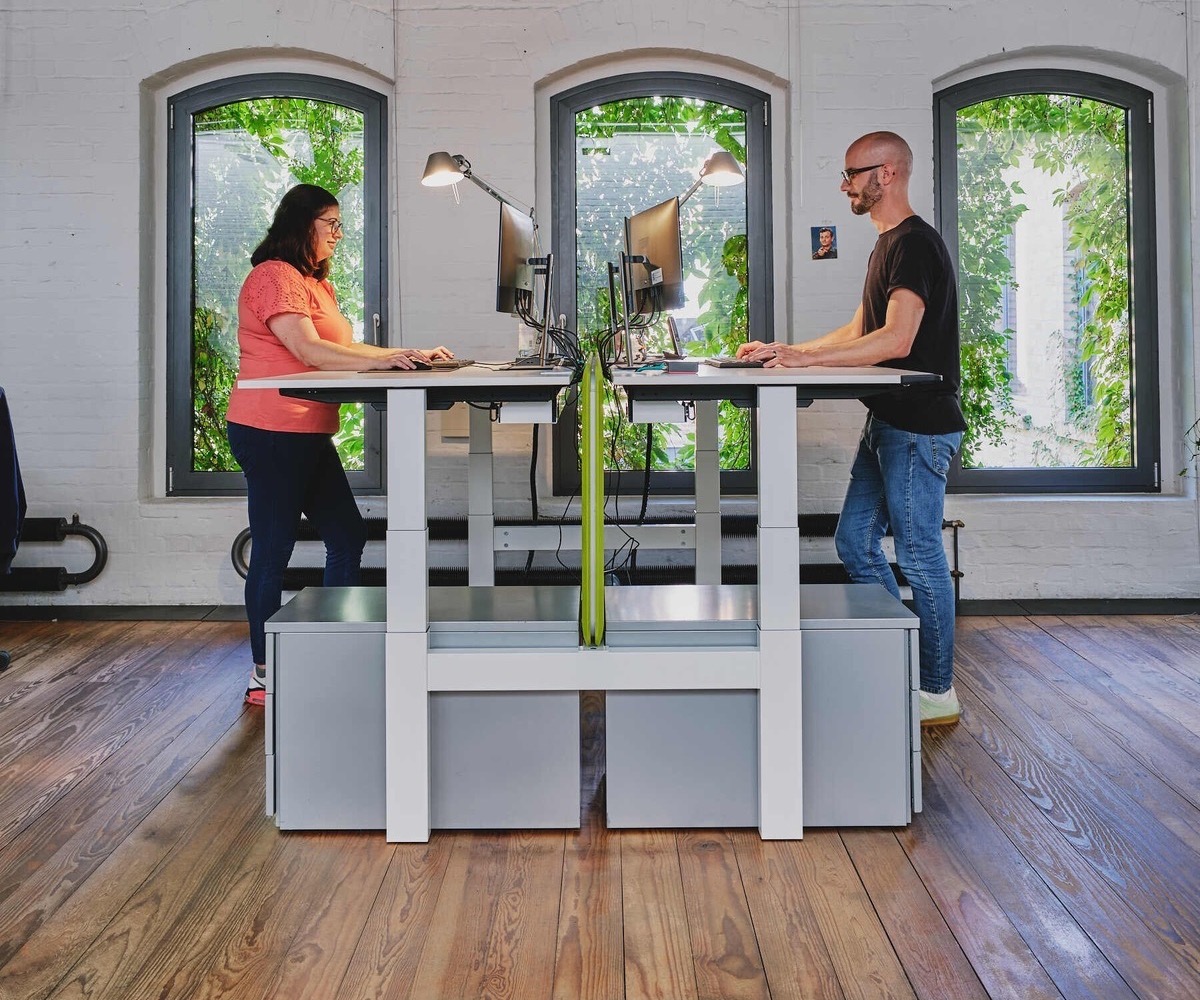
Social desk sharing: find favorite colleagues

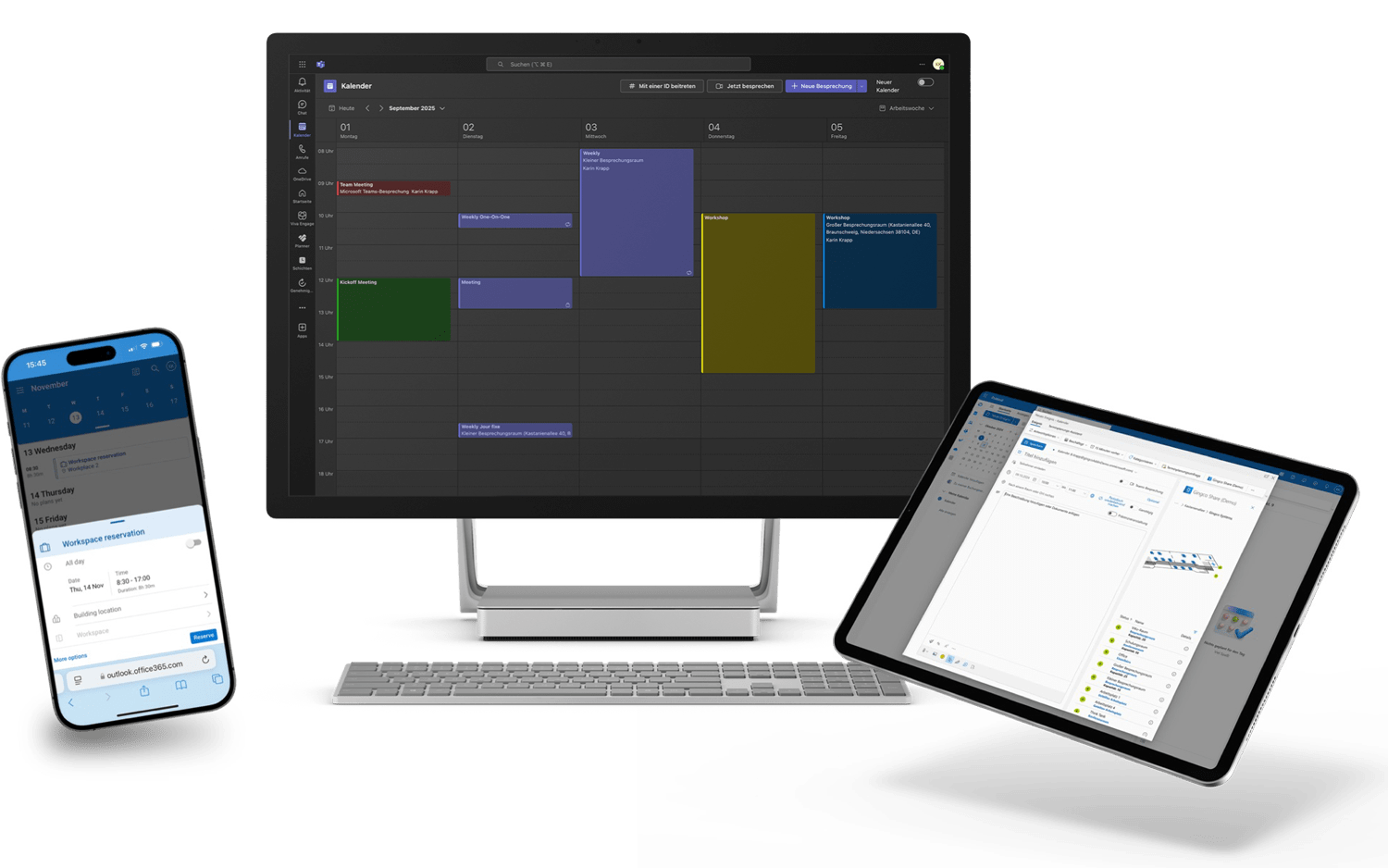
Bidirectional Exchange synchronization
Safety and orientation: First aiders and escape routes on the floor plan
Quiet zones, coworking areas and dedicated desk zones
Define areas in your buildings and specify how the desks there are used. Create quiet zones for focused, uninterrupted work, and designate coworking areas for employees who plan a day of exchange and collaboration. With areas for parents with children, people with allergies or dog owners, everyone finds a desk in an environment that suits them.
Accessible and ergonomic desks with clear booking rules
Today, a desk has to meet a wide range of requirements. For some employees, the right desk is essential to take part fully in their working day. Desks that meet special needs can be reserved for defined user groups, with permissions controlled directly from your HRIS. You can also set clear rules for ergonomic desks or desks with equipment such as walking pads, so all employees can book them in rotation or for defined time slots.
Book desks on behalf of colleagues and managers
Your roles and permissions define which employees can book desks for others, and for whom. A team lead books desks in the home zone for the team's office day, an assistant plans a stay at another branch, or you simply want to sit with your favorite colleagues: you set the rules. The preconfigured roles and permissions of each employee are always respected.
Keep desk bookings up to date with HRIS integration
A stay abroad, sick leave or a vacation that interrupts a longer recurring booking: there are many reasons why booked desks go unused. Especially when something unexpected happens, people forget to update or cancel their booking. With an HRIS integration, employees can release booked desks or rooms quickly and without additional input. This increases your actual desk utilization and makes the workday more convenient.
Desk sharing rollout: from strategy to company-wide deployment
The biggest challenge in desk sharing isn't the technology, it's a successful rollout. We support you from strategy and pilot to company-wide deployment.
Frequently asked questions
What is the difference between hot desking, office hoteling and desk booking?
Hot desking means employees use any free desk without booking it in advance. Office hoteling, also called desk hoteling, means employees reserve a desk before they come to the office. Desk booking software such as Gingco Share organizes desk sharing with rules, zones and permissions.
What are the advantages of desk booking over assigned desks?
Can every employee book a desk?
How can I introduce desk booking or switch from another system?
We support you from implementation to rollout and remain available for your questions. When you switch to Gingco Share, you can import existing roles, permissions and recurring bookings.
Can a desk be double-booked?
No. Thanks to Exchange synchronization, double bookings don't occur, and you always see the actual occupancy.
What can I use desk zones for?
Gingco Share lets you define areas and dedicate them to a specific purpose, for example desks for parents with children, deep work or coworking.