device
Visitor Management

A modern visitor management system: flexible, secure and one click away 

Whether it's a conference, colleagues from other locations or contractors working on site: with Gingco Share, you manage visitor registration, safety instructions and related resources such as parking spaces and desks in one place. Gingco Share connects to common access control systems such as Dormakaba, Interflex and SIPORT, and your data is hosted in Germany in line with the GDPR.

  • Manage visitor registration, safety instructions and parking spaces or desks in one place
  • Connects to common access control systems
  • GDPR-compliant, with data hosted in the EU

Zeichenfläche 9
 Invite visitors directly from your room booking 


Inviting visitors should be intuitive. That's why Gingco Share lets you invite external attendees to your meetings and events directly from your room booking. They are notified by email and receive all the information they need in advance, including their access details if required.

Zeichenfläche 8
Visitor invitations by email with QR code or PIN 


You can include an individual access PIN or QR code in the invitation to make check-in on site even simpler. Visitors can also fill in the visitor form in advance. You decide which information is provided and which information is required.

Zeichenfläche 10
Visitor types with NDAs and safety instructions 


Set up different visitor types for each of your locations. This lets you request exactly the information you need in advance, store the relevant safety and conduct rules, and have non-disclosure agreements (NDAs) confirmed before the visit. Visitor types can be named individually and extended or merged as your requirements change. 
gingco_share_kiosk_mockup-1

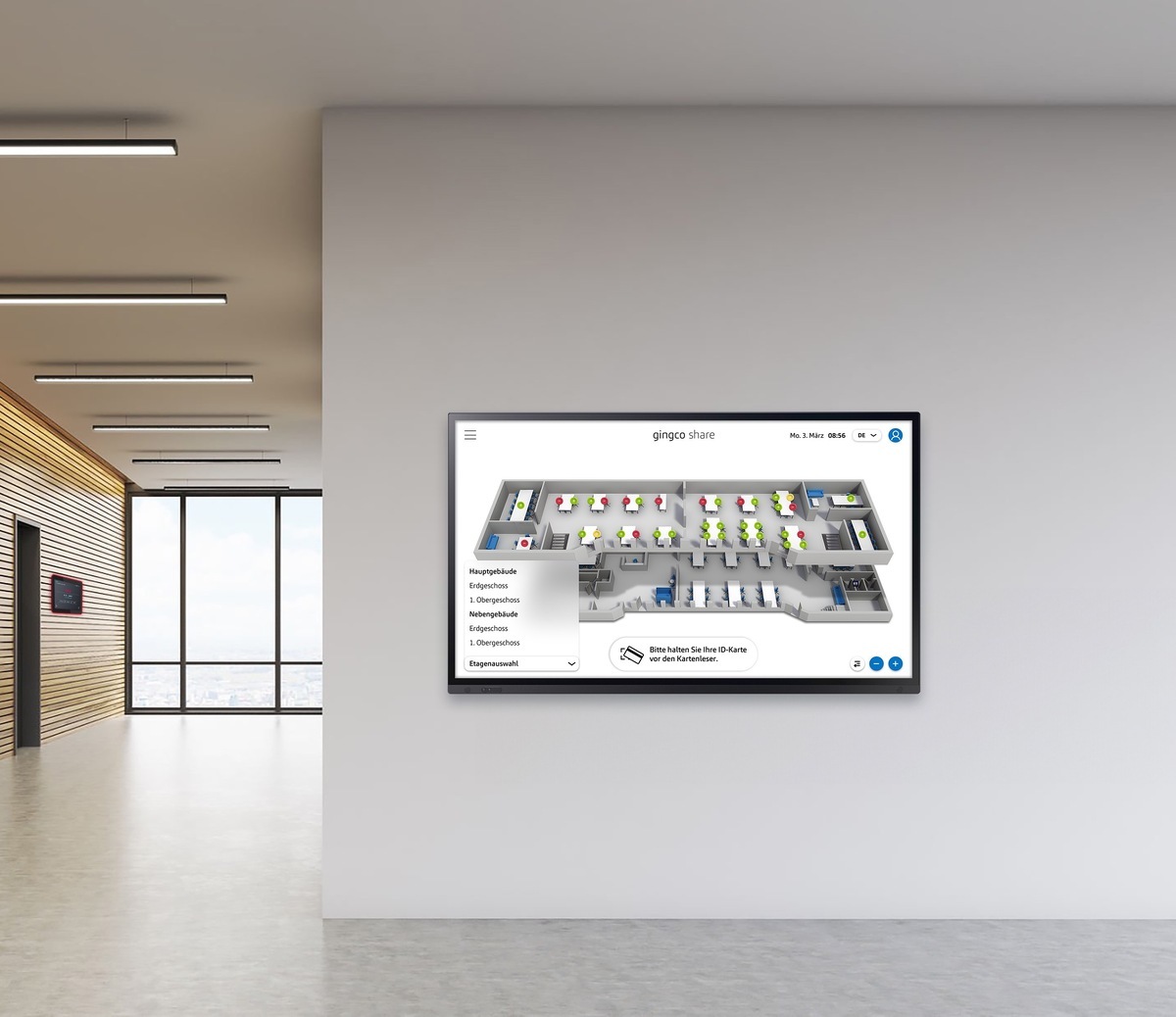
Visitor check-in kiosk for self check-in on site 

With our visitor kiosk, visitors register themselves on site. You can also store important documents such as safety instructions, which visitors must confirm before completing their registration. As the host, you are notified by email as soon as your visitor has checked in. This also enables self check-in for unannounced visitors such as tradespeople or delivery drivers.


Rescheduled meetings update visitors and access control automatically  

If you need to reschedule a meeting, your visitors are notified automatically. At the same time, the data for your access control system is updated and your reception team receives the new details. You prepare for your meeting, Gingco Share takes care of the rest.
image_display_DE

Gingco_17092024_396_mod

Recurring visitor access for multi-day visits 

If your visitors stay at your site for several days, you can simply create a recurring booking. You choose whether access is granted daily, weekly or at another interval. The data is made securely available to your reception team and grants access on the defined days and during the specified times. 
hero_bg_radial_gradient_rotate2@2x
Fully integrated with your groupware

Bidirectional Exchange synchronization
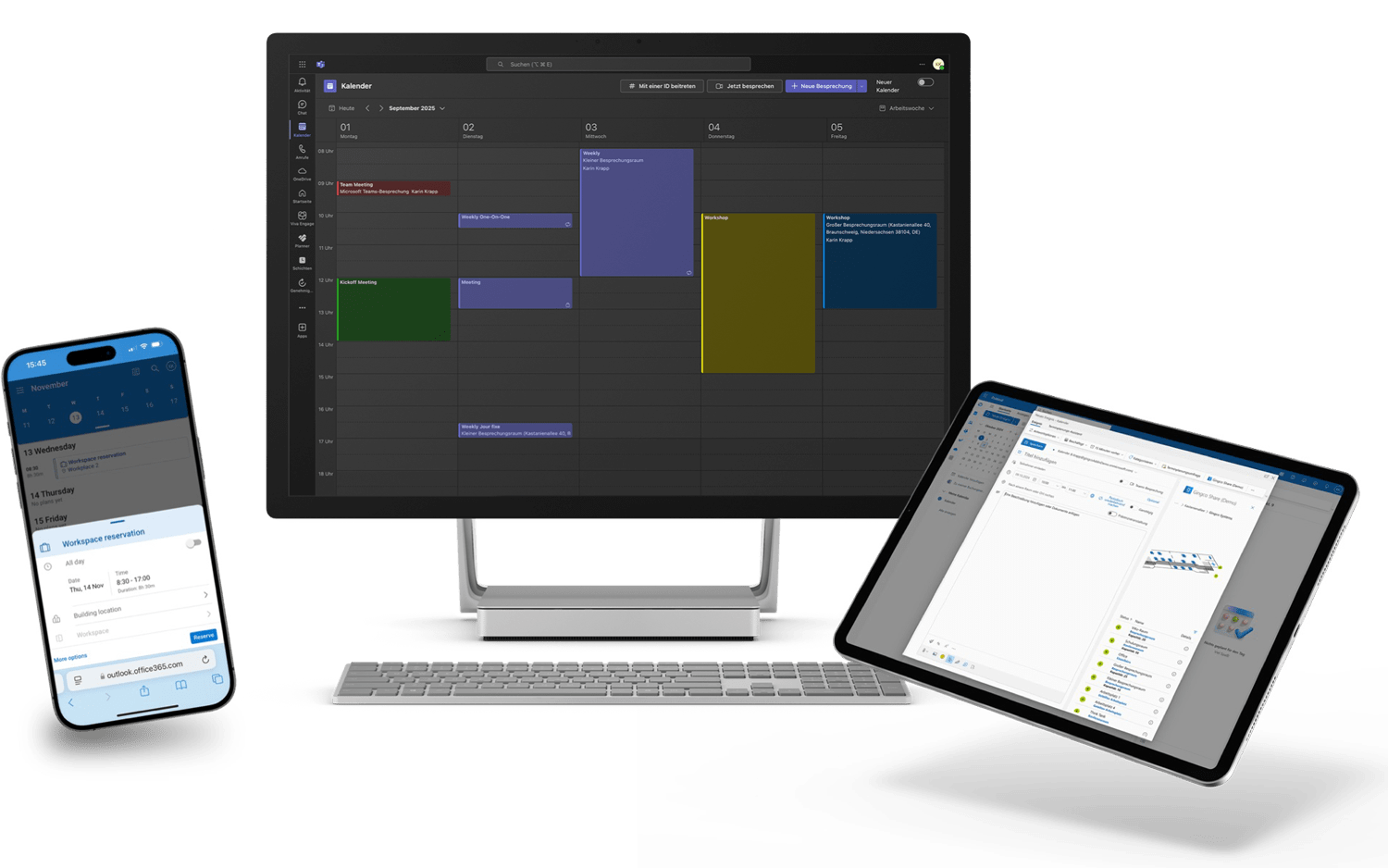
Our Add-In connects Gingco Share seamlessly to Microsoft Exchange, with support for private appointments, automatic Teams meetings, and bidirectional synchronization via the Microsoft Graph API. Gingco Share also integrates with Google Workspace, Open-Xchange, and other standards-based groupware, so you always have the full picture – across platforms, in real time.
Share_Devices_Exhange_Sync

Real-time visitor log and evacuation list 

With the Gingco Share visitor module, you can see the status of your visitors at any time and get notified automatically when a visitor checks in or out. This gives you a real-time attendance list and an evacuation list ready for emergencies.

Invitation permissions for employees 

With flexible roles and permissions, you decide which employees can invite visitors, view their attendance and book additional resources such as parking spaces or desks for them.

Secure, GDPR-compliant visitor data 

Your visitors' data is protected at all times. With Gingco Share's role, permission and deletion concepts, you can implement your internal policies flexibly. In addition, we offer secure data transfer, hosting in Germany and ISO/IEC 27001 certification for a high level of security and compliance.

FAQ

Frequently asked questions


Can I invite several visitors at once?

Yes. You can add as many visitors and colleagues from other locations to a booking as you need. 

Can I upload a list of visitors for large events?

Yes. You can upload an Excel or CSV list of event attendees. 

Can I see whether a visitor is on site?

Yes. With Gingco Share visitor management, you can see at any time which visitors have checked in or out. 

Can I book parking spaces and desks for visitors?

Yes. You can add parking spaces and desks for visitors, or invite visitors directly from a booking. 

Can a visitor be assigned to an employee?

Yes. Every visitor is clearly assigned to the employee who invited them. 

Can every employee invite visitors?

You decide. Roles and permissions define which employees can invite visitors. 

Can visitors check in without an invitation?

Yes. Unannounced visitors such as tradespeople or delivery drivers can register themselves at the visitor kiosk. The host is notified by email as soon as the registration is complete. 

What happens to visitors when a meeting is rescheduled?

Visitors are notified automatically, the access control data is updated and your reception team receives the new details. 

Can visitors get access on several days?

Yes. With a recurring booking, you grant access daily, weekly or at another interval, on the defined days and during the specified times. 

Where is visitor data stored?

Visitor data is hosted in Germany and transferred securely. Gingco Systems is ISO/IEC 27001 certified, and role, permission and deletion concepts let you implement your data protection policies.